Creating a map (part 2)
Beginners
Alright! now that we've made our map, there are still a few things we need to do.
Now, i'm going to assume that your map is exactly like mine, or at least really similar.
First things first, go to the "Action tab" and go to "Hacking tool".
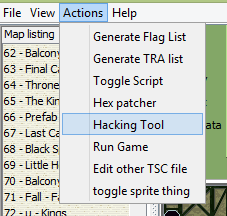
It should open up a new tab called "Hackinator".
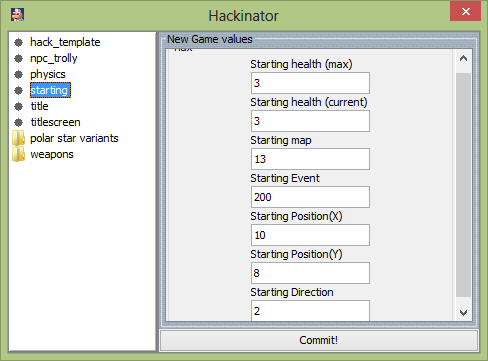
I want you to click on "starting" and ignore everything else.
Your screen should look like this:
Now I want you to change all of the numbers to the following:
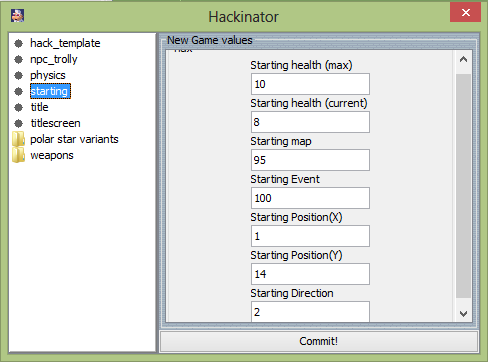
Now hit the "Commit!" button, and say ok to the message that appears.
I guess while we're here, I might as well explain what some of these things do:
Starting health (max and current):
Starting map:
have the player start out in the corrisponding map when you choose "New".
Starting Event:
Starting Position (X and Y):
Starting Direction:
*Setting the number to 0 will have the player facing left, setting it to 2 will have the player facing right.
All of these values will determine how the game starts out when you choose to start a new game
Now with all of that out of the way, go to the Entity mode(below tile), you should see a screen that looks like this:
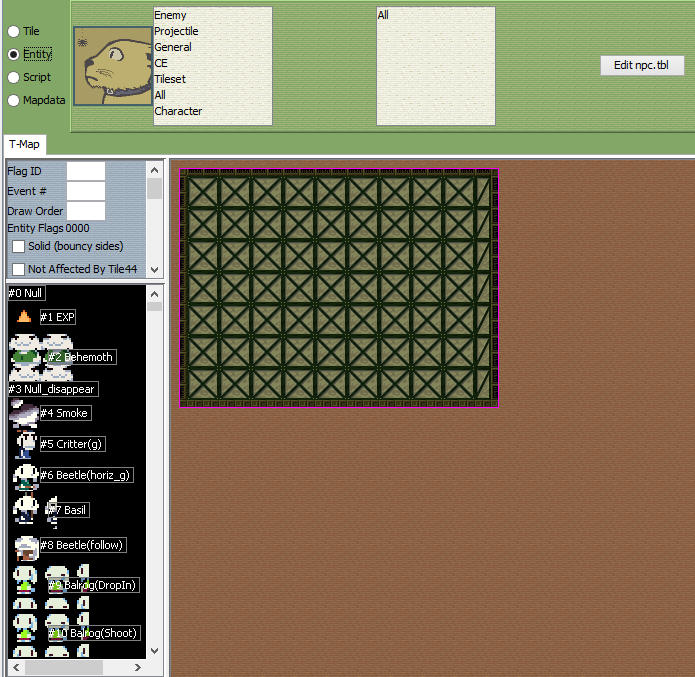
And, you should also see the script in the top-right corner:
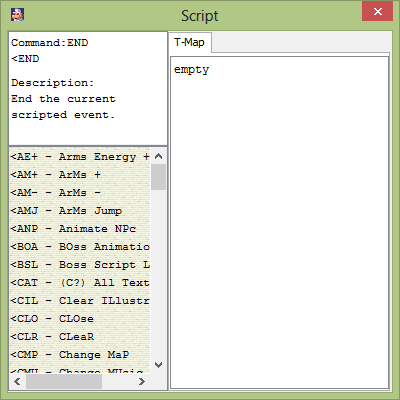
*If you don't see it don't worry, just quickly go to script mode and it should appear, and then go back to Entity mode.
Now I want you to type the following into the part where it says "empty"
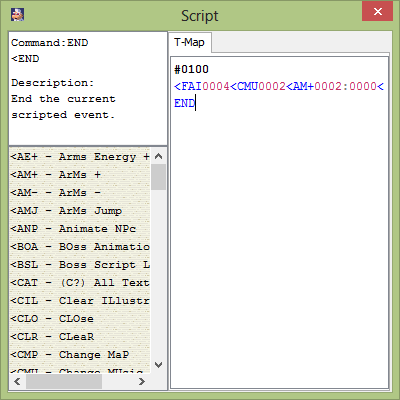
Make sure there are no spaces inbetween the commands, and don't worry about if it gets cut off to the next line, it will still
work just fine.
And just ignore everything else in the script tab for now, they're not important.
Now there's one last thing I want you to do: add Santa to the map.
You can find him in the entity list:
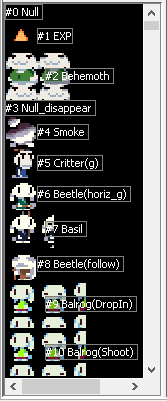
*Something I should mention, if you double click the list, it will pop out, and you can move it around, wherever you want
Entities in the list are numbered similar to the maps in the map list.
Santa is entity #40, so just scroll down till you get to him.
Another way you could find him, is through the Npc category filters:
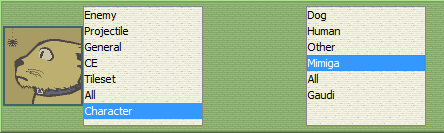
Now click on Santa, and you can double click anywhere on the map to place him down.
For this lesson, I want you to place Santa on the ground:
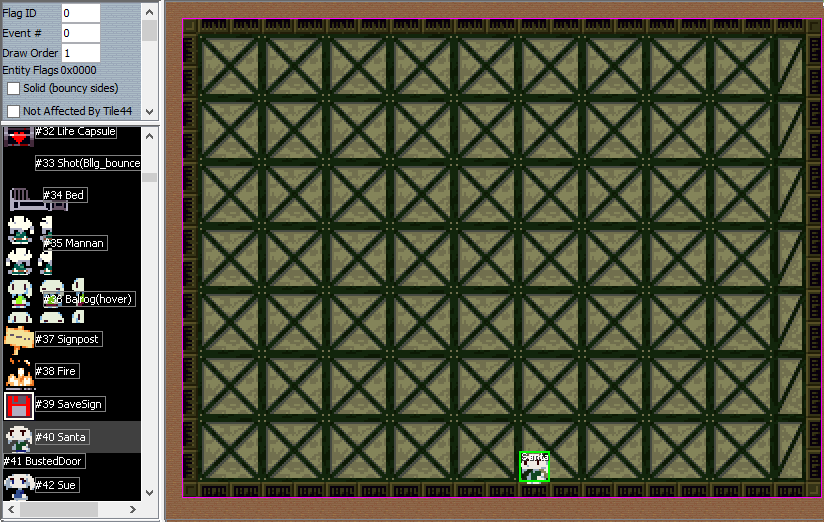
Alright, now that we've gotten everything we need set up, go to file and click on save.(You know... to save your map...)
Now go to the Action tab and go to "Run Game"
Choose to start a new game.
*Don't worry about your save file if you have one, it won't get overwritten until you save again.
Now if you've been doing everything I told you right, then you should appear in your new map when you choose "NEW"
The following should happen when you first enter the map:
You should start in the bottom-left corner of the map facing right.
The map should of faded into the center.
You should have 8 health which is not your max health.
The music playing should be "safety".(The music that plays in Arthur's house)
You should have the Polar Star.
And Santa should be on the map, where you put him.
Now how about we go say hi to Santa and see what he has to say to us.
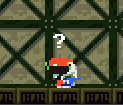
Huh? Nothing? Quote acts like he doesn't even exist.
Well he does exist, we just don't have him programmed to do anything right now.
Like tile mode, you can right click to bring up some useful commands:
Undo and Redo:
Remove all entities:
Previous Lesson: Creating a map
Next Lesson: Making Events